
08/06/2026
Headroom: compress AI agent context without losing quality
A simple introduction to Headroom, an open-source context compression layer that reduces tool outputs, logs, files, and RAG chunks before they reach the LLM.
When you use an AI agent to code, inspect logs, explore a documentation base, or chain several tools together, the problem is not only the quality of the model. Very quickly, the problem becomes the amount of context you send to it.
A single git grep, a large API response, a list of files, a JSON dump, or a build log can add thousands of tokens. Those tokens cost money, add latency, and make the context window noisier.
Headroom tries to solve that at the source. The project describes itself as a context compression layer for AI agents: it sits between your agent and the LLM provider, compresses what can be compressed, stores the original data locally, and lets the model work with a shorter prompt.
The important idea is simple: do not ask the LLM to read every raw tool output when most of that output is repetitive, structural, or low signal.
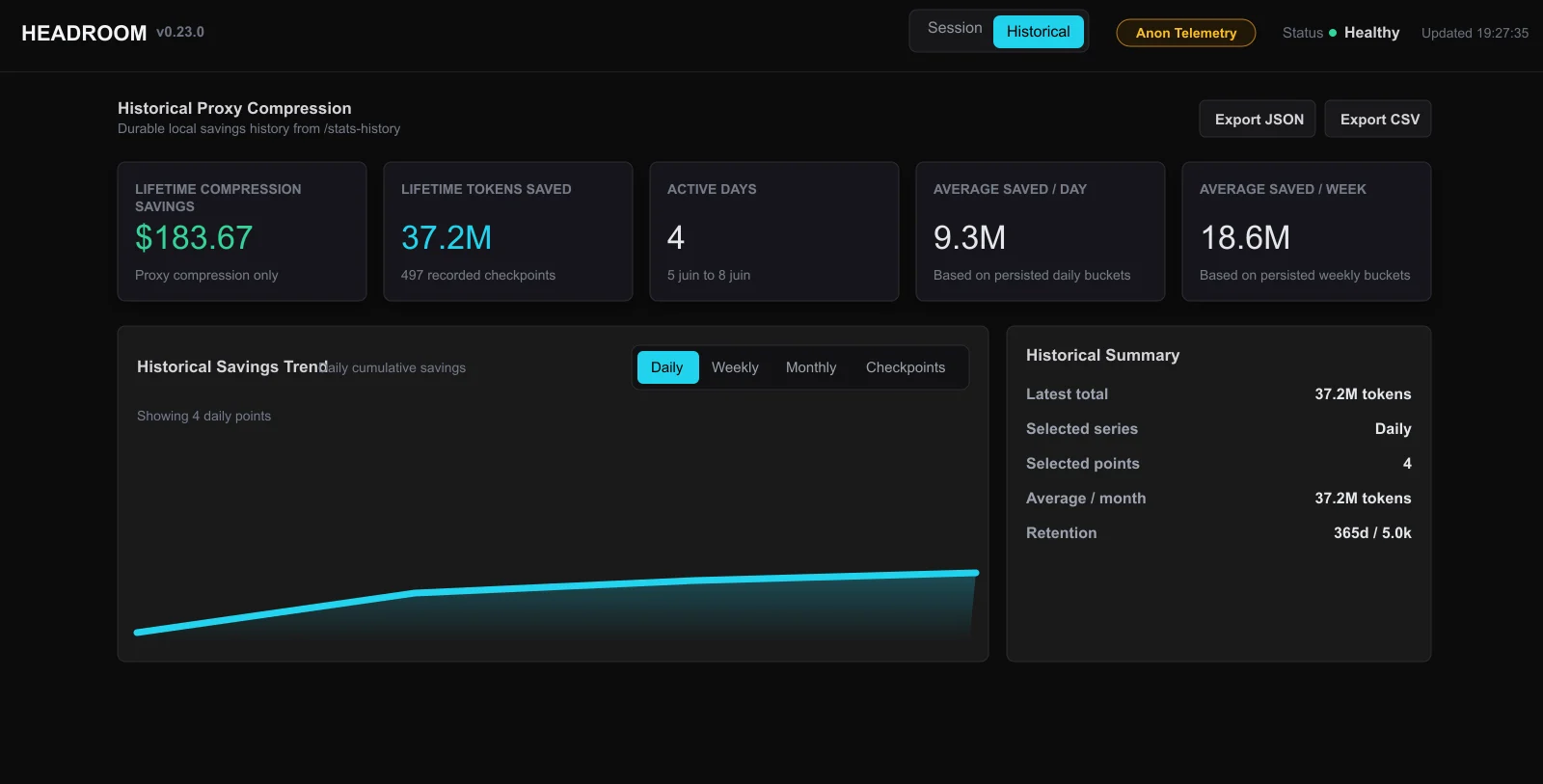
What Headroom Compresses
Headroom focuses on the kind of content that agentic workflows create naturally:
- tool outputs;
- logs and build output;
- RAG chunks and search results;
- files and code snippets;
- conversation history;
- large API or database responses.
This vocabulary matters because Headroom is not just a generic text summarizer. The official docs explain that the router detects content types and sends them to different compressors. JSON arrays, source code, logs, diffs, HTML, search results, and plain text do not have the same structure, so compressing all of them in the same way would be brittle.
For example, a log compressor should preserve errors, stack traces, timestamps, and warning levels. A JSON compressor should keep schema, keys, important boundaries, unusual values, and representative examples. A code-aware compressor should avoid breaking syntax and preserve the parts that help the model reason.
Where It Fits
Headroom can run as a library, a proxy, an MCP server, or an integration for common agent frameworks. The most approachable mental model is the local proxy:
pip install "headroom-ai[all]"
headroom proxy --port 8787
Then your app points its LLM client to the proxy:
OPENAI_BASE_URL=http://localhost:8787/v1 your-app
In that setup, the application still talks to something that looks like an LLM API, but Headroom gets a chance to clean up the context before the request reaches the provider.
For an agent, that is useful because you can test the impact without rewriting the whole workflow. Tool calls, file reads, terminal output, RAG retrievals, and other bulky pieces of context can be optimized at the boundary.
The Mental Pipeline
The official compression docs describe three main stages: CacheAligner, ContentRouter, and IntelligentContext. CCR then makes compressed content recoverable when the LLM needs the full original.
Context flow
Agent -> Headroom -> LLM
Agent
tools, files, logs, RAG chunks
Headroom
compression- 1CacheAlignerstable prefix
- 2ContentRoutercontent type
- 3IntelligentContexttoken budget
- 4CCRcache + retrieve
LLM
fewer tokens, originals recoverable by hash
CacheAligner tries to keep stable prompt prefixes stable so provider prompt caching can work better. ContentRouter inspects the content type and chooses the right compression strategy. IntelligentContext scores messages and keeps the most useful context inside the token budget.
After compression, CCR, which stands for Compress - Cache - Retrieve, stores the original locally and injects retrieval markers or tools. The model can continue with the compact version, then call headroom_retrieve if it needs more detail.
That distinction is important. Simple truncation throws information away. Headroom aims to reduce what the model sees by default while keeping a route back to the original data.
A Simplified Example
Imagine an agent asks a search tool for 500 results.
Without Headroom, the LLM may receive all 500 entries, even if many are repetitive or irrelevant. With Headroom, the prompt might instead contain a compact marker:
[500 items compressed to 15. Retrieve more: hash=abc123]
The model sees the most useful items first. If the task can be solved with that compact view, the request stays small. If the user later asks about a detail that was not included, the model can retrieve the original cached content by hash.
This is why Headroom is easier to explain as context compression than as summarization. A summary says "trust this shorter version." CCR says "start with this shorter version, but the original is still available."
Public Benchmark Numbers
Headroom publishes benchmark examples in its README and documentation. They should be read as workload-specific examples, not as a universal guarantee. Still, they are useful because they show where the tool is meant to shine: verbose agent context.
Public benchmarks
Tokens before / after
| Use case | Before | After | Savings |
|---|---|---|---|
| Code search | 17,765 | 1,408 | -92% |
| SRE debugging | 65,694 | 5,118 | -92% |
| GitHub triage | 54,174 | 14,761 | -73% |
| Codebase exploration | 78,502 | 41,254 | -47% |
Order-of-magnitude figures from public Headroom examples. Measure on your own data.
The official benchmark page also makes an important point: sometimes Headroom intentionally does not compress. Compact formats such as grep output or source files may pass through unchanged when compression would risk losing correctness. That is a good sign. A context layer should know when to stay quiet.
When It Is Useful
Headroom makes the most sense when your workflow is tool-heavy:
- a coding agent reading many files and terminal outputs;
- an SRE assistant inspecting logs or incidents;
- a RAG chatbot retrieving too many chunks;
- an app sending large API responses to the model;
- multi-agent workflows where context is passed between steps.
In those cases, the cost is not only token volume. A noisy context also makes it harder for the model to focus on the relevant signal. Reducing repeated or low-value content can improve both latency and readability of the prompt.
When To Be Careful
Headroom is not a magic bullet.
Compression is another layer in the system, so it needs to be measured. A strategy that works well on logs may be less useful on short editorial prompts. A large JSON payload may compress beautifully, while a carefully written instruction block should probably stay intact.
The right evaluation is practical: compare cost, latency, answer quality, retrieval rate, and failure modes on your own data.
Privacy also matters. Headroom is designed as a local-first tool, and the CCR cache stores originals locally. That is useful for sensitive teams, but every integration still deserves the same security review you would apply to any component placed between an application and an LLM provider.
Quick Ways To Try It
The fastest path is the proxy:
pip install "headroom-ai[all]"
headroom proxy --port 8787
headroom perf
For a TypeScript application:
npm install headroom-ai
For MCP clients:
headroom mcp install
Start with a workflow that is obviously verbose: test output, logs, search results, JSON dumps, or an agent session that accumulates context across many turns. That is where the difference is easiest to see.
Takeaway
Headroom is an open-source project for reducing context waste in AI agents. Its core idea is to compress bulky tool context before it reaches the model while keeping originals recoverable through CCR.
It will not improve every prompt, and it should be benchmarked on real workloads. But for agents that spend their day reading logs, files, RAG chunks, and tool outputs, it is exactly the kind of infrastructure layer that can reduce token usage, lower latency, and make the model's working context cleaner.