2025
ActiveMockino
Quickly create polished mockups for screenshots with backgrounds, browser themes, and instant export.
Overview
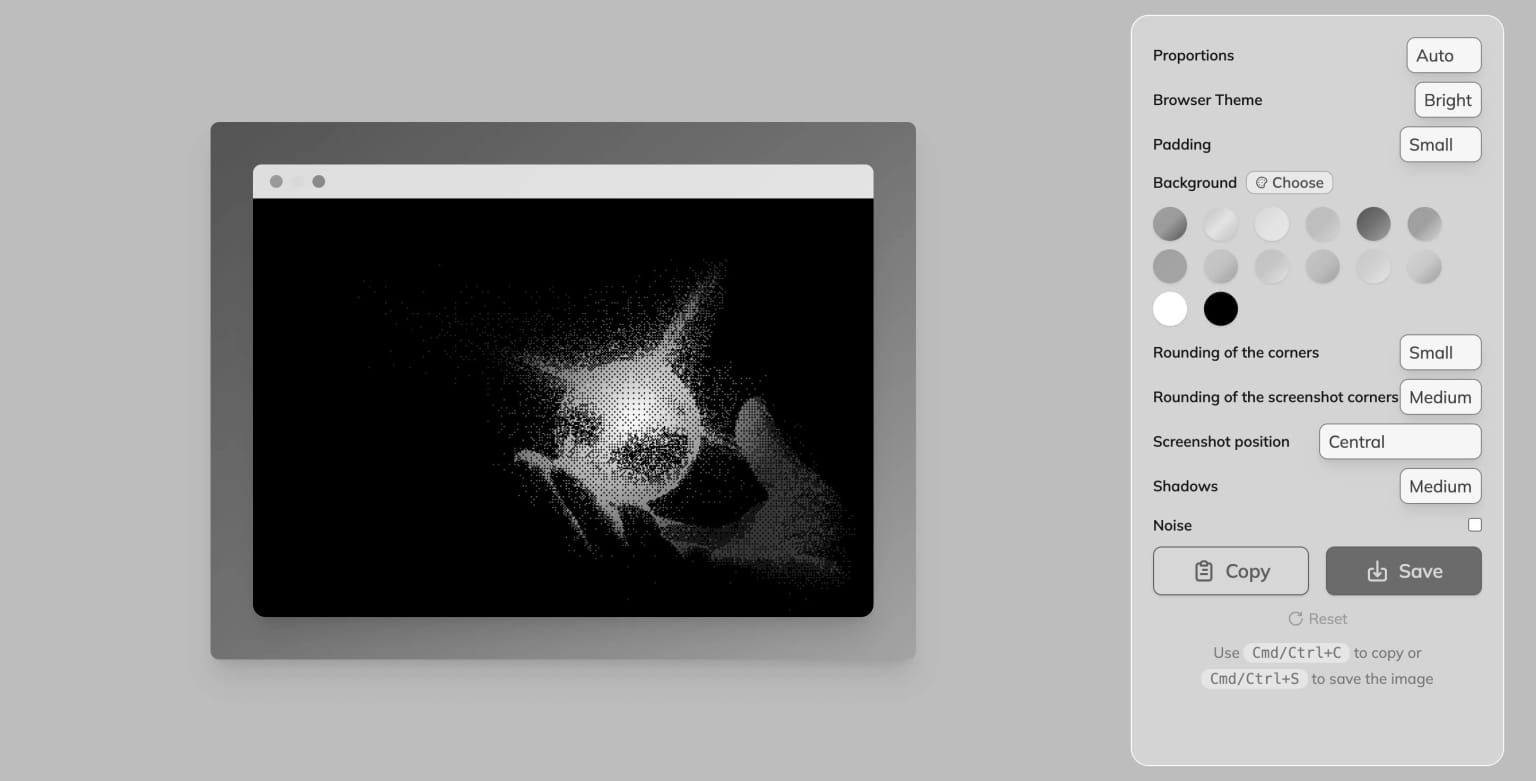
Mockino is a web tool built to turn plain screenshots into clean, presentation-ready mockups in seconds. It is designed for developers, designers, marketers, and content creators who need fast visual output without using complex design software.
The project focuses on speed, simplicity, and control. You upload a screenshot, apply styling, preview changes in real time, and export immediately.
Product Direction
The current direction includes a product relaunch around clearer branding and trust signals:
- Edit and customization workflows refined for faster output
- Better visibility for badges, reviews, and relaunch messaging
- Stronger visual identity for the Mockino logo and UI system
Core Features
Backgrounds and Borders
- Solid colors, gradients, and blur-style backgrounds
- Adjustable padding around screenshots
- Configurable rounded corners
Browser Themes
- Browser-like frame rendering for screenshots
- Light and dark themes
- Automatic fitting and proportion handling
One-Click Styling
- Drop shadows for depth control
- Optional grain/texture overlays
- Positioning and alignment controls
Fast Export
- One-click copy for social and messaging platforms
- High-quality PNG export without watermark
- Keyboard shortcuts for copy/save workflows
Why This Project
Mockino solves a recurring content problem: technical screenshots are often useful but visually weak. The goal is to make visual polish accessible instantly, with no account requirement and no design overhead.
Typical Use Cases
- Product updates on social media
- Blog/tutorial illustrations
- Documentation and release notes
- Landing-page visual previews
External Links
- Live product: mockino.com